

• API Overview
  • API Reference
  • C Library
  • Web Application
  • Knowledge Base
  • Back to meteonorm.com
Getting startedAuthenticationDemo locationsList of parametersQuerying climate dataQuerying observationsQuerying forecastsHorizon and altitudeChangelog APIChangelog algorithms & data
powered by Zudoku
API Overview

API Authentication

Authentication Headers

To authenticate your requests, you need to include an Authorization HTTP header containing your API key. The format is as follows:

Code
"Authorization: Bearer <YOUR API KEY>"

A complete example with curl:

TerminalCode
curl -H "Authorization: Bearer <YOUR API KEY>" \ --get \ --data "lat=48.369" \ --data "lon=5.376" \ "https://api.meteonorm.com/v1/climate/tmy"

Note that you can test API requests for free.

Creating and Managing API Keys

Once you have a subscription (bundle or plan), you can manage your API keys at go.meteotest.ch/my/ under "Products & Configurations" → "Meteonorm API Key Pool":
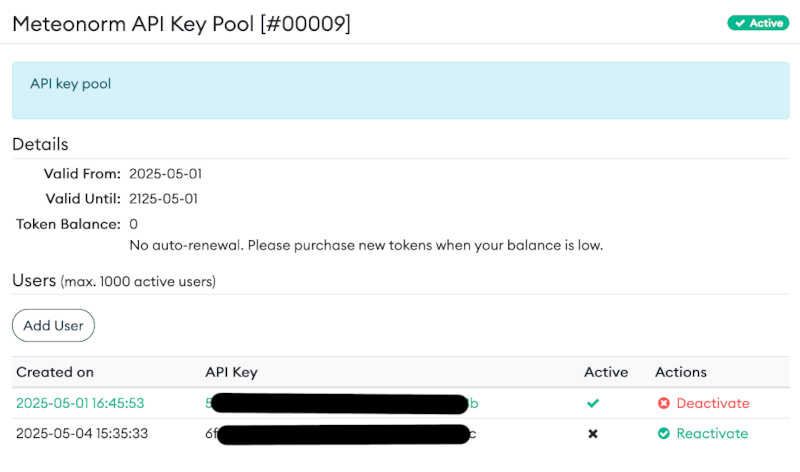
API Key Pool

Note: New API keys may take up to 5 minutes to become active.

Last modified on September 8, 2026
Getting startedDemo locations
On this page
  • Authentication Headers
  • Creating and Managing API Keys