

Web Application
How to Purchase a Plan and Create Users
Hint: try the web application for free at https://demo.meteonorm.com.
There are two roles in this sign up process:
- A Portal Administrator purchases plans and creates users.
- User(s) set their password and log in to the web application.
Admin: Buy Plans & Create Users
Purchase a Meteonorm App plan at https://go.meteotest.ch/shop/category/meteonorm-application-8. To proceed to checkout and pay, you need to have a Portal Administrator account. Create one here if you don't have one yet.
As the Portal Administrator, create a web application user by assigning an email address to the purchased plan.
Each plan can be assigned to exactly one user:
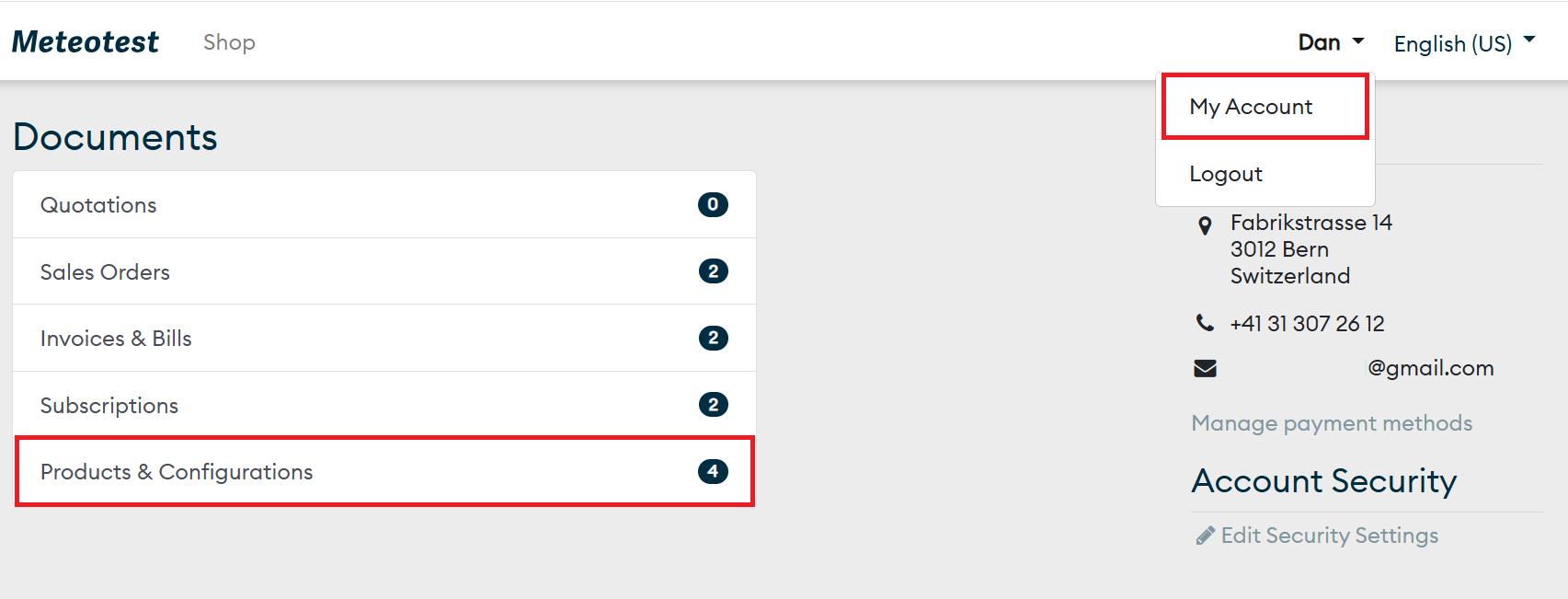

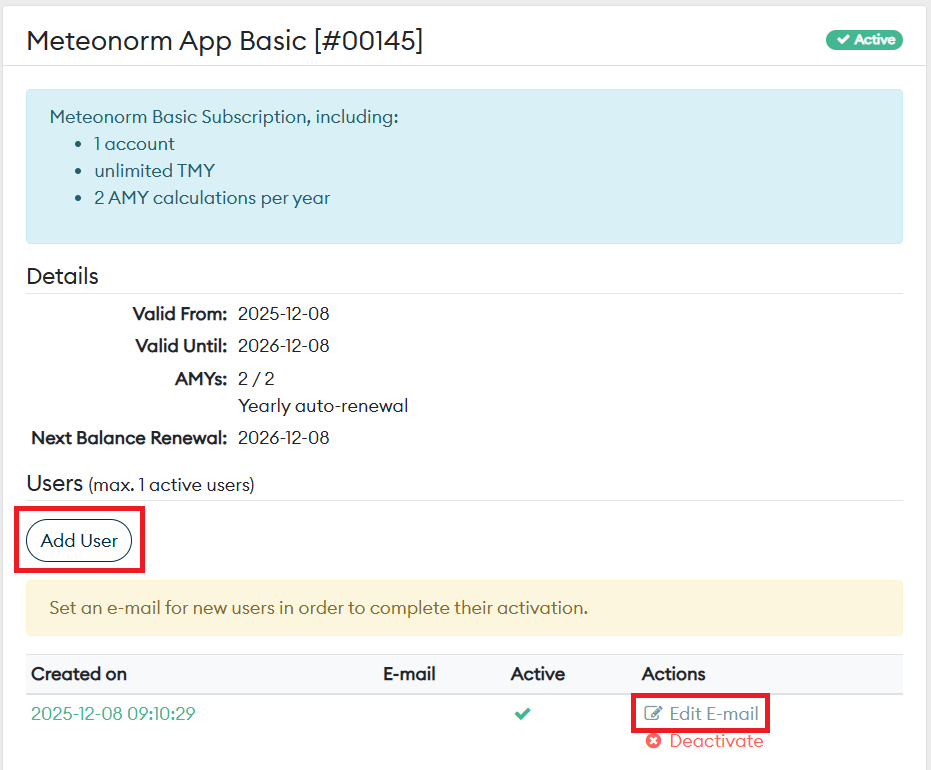
Users: Set a Password & Log in
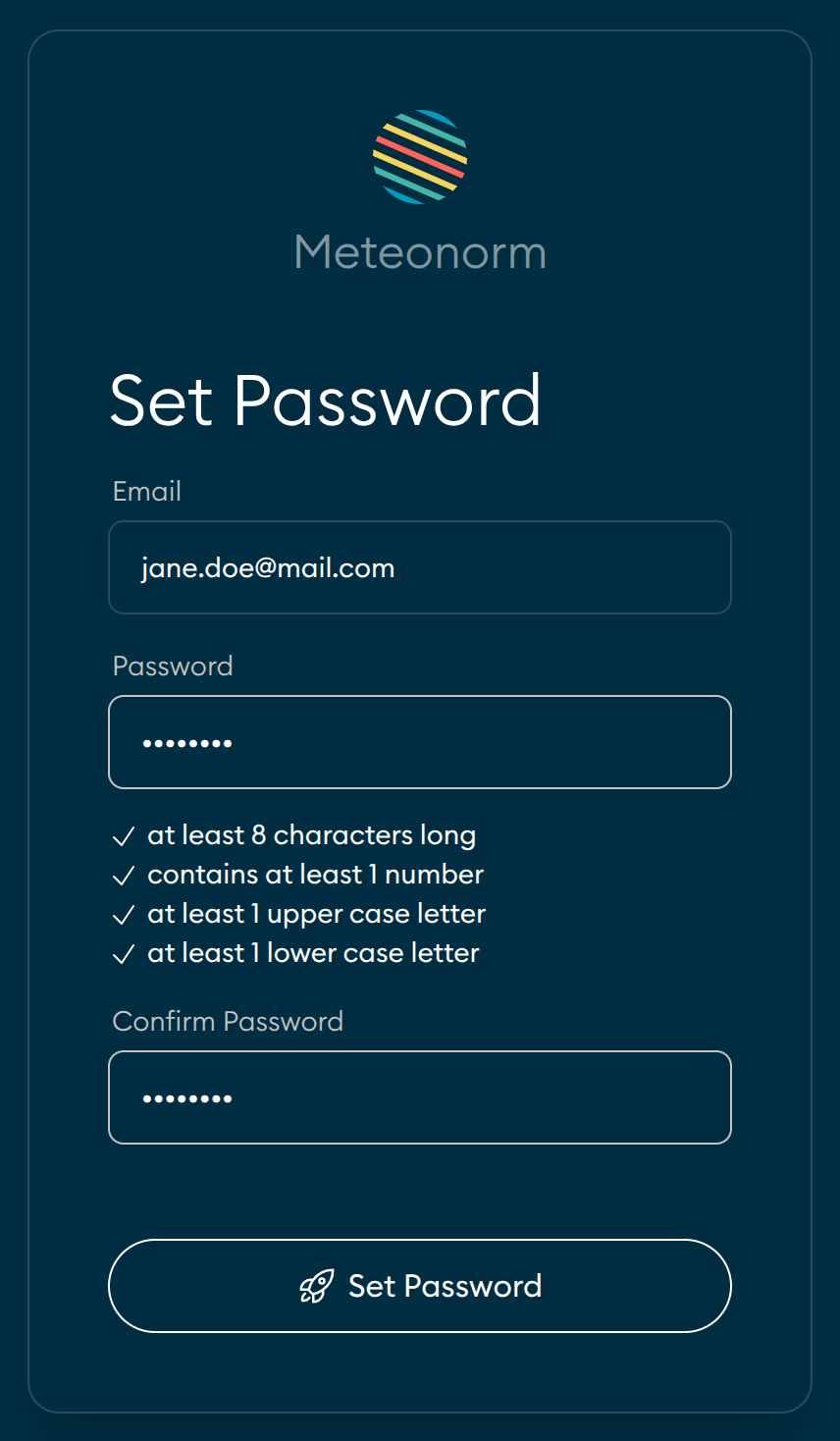
As a user, follow the instructions in the email you received after being assigned a plan. Choose a password and log in. If you did not receive an email, check your spam folder or contact your Portal Administrator.
Last modified on