

Web Application
Getting Started
Important roles
There are two roles that need to be distinguished: the Portal Admin and the Web Application User (Web App User).
| Portal Admin | Web Application User (Web App User) |
|---|---|
|
|
1. Sign up for portal access (Portal Admin)
This step is also completed during the checkout in the shop. If you don't have a Portal Admin account yet, sign up here: https://go.meteotest.ch/web/signup
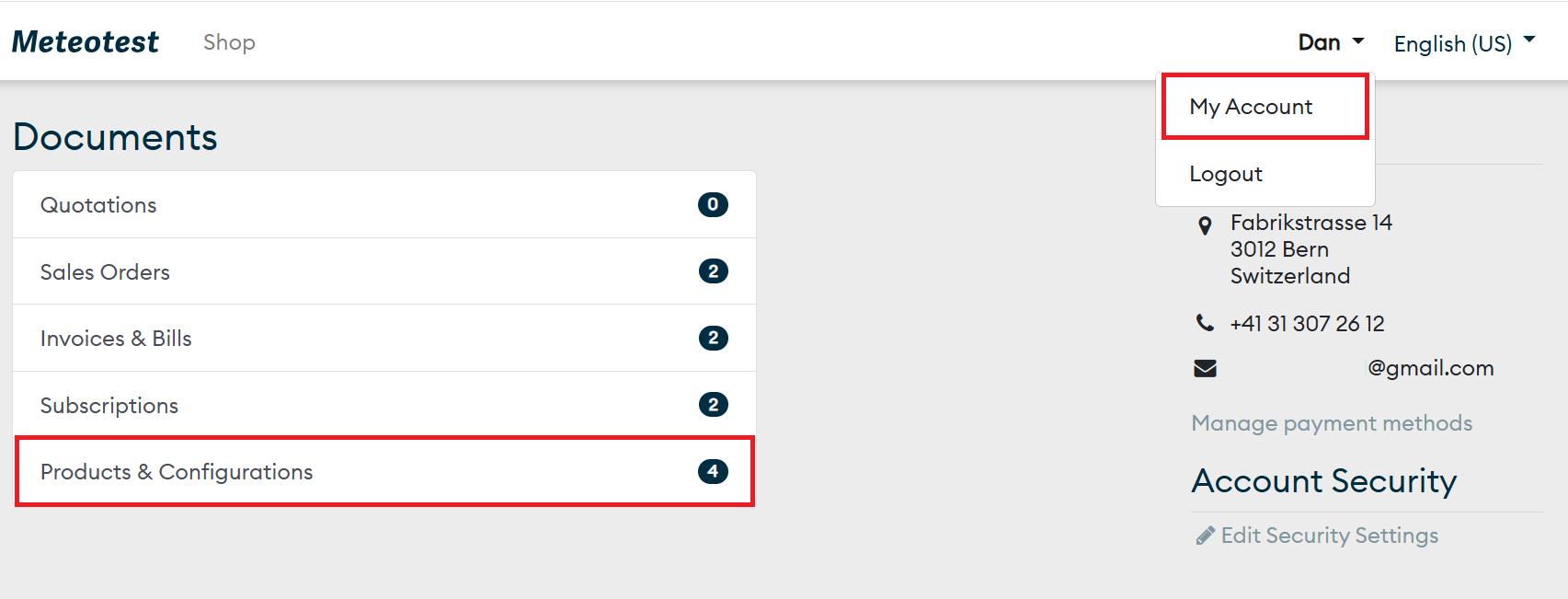
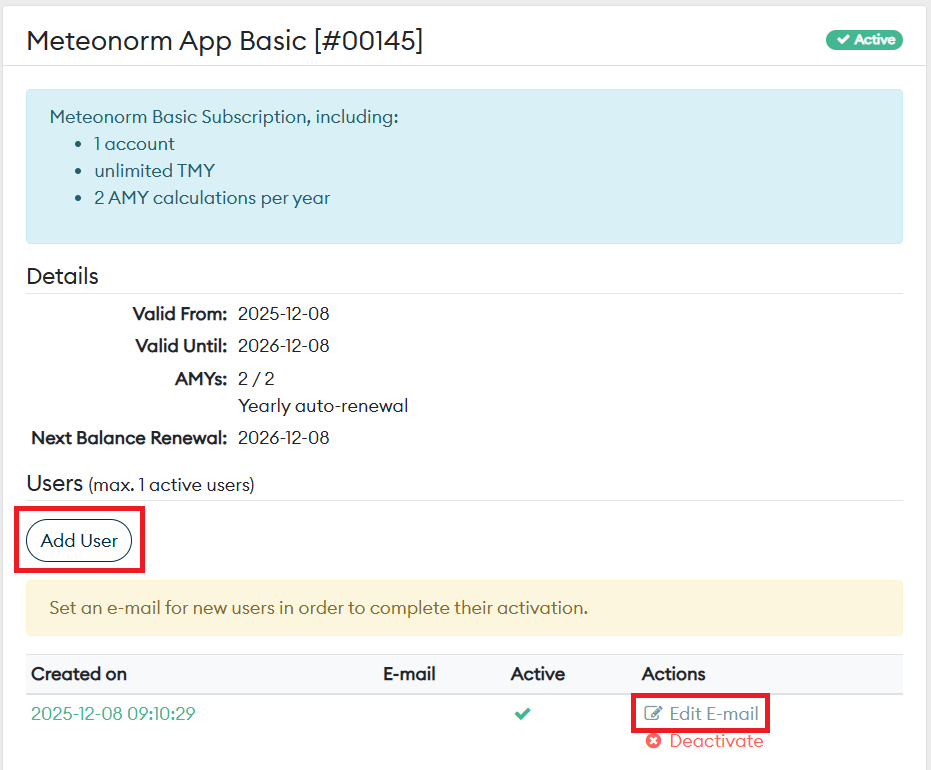
2. Register Web App Users for products (Portal Admin)
Once you have purchased a plan in our shop, you can register the Web App Users. Each plan supports one user.

3. Sign up in the web application (Web App User)
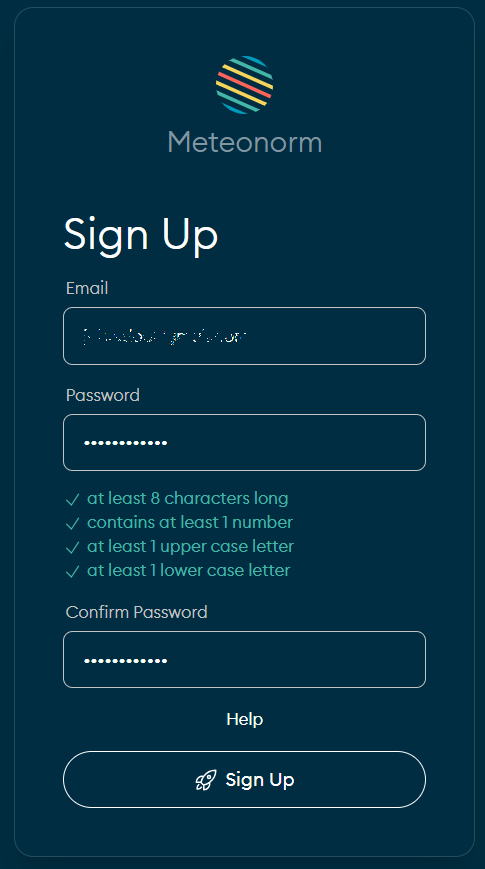
Sign up using the same Web App User account that your Admin added in the previous step. Complete your registration by setting a password.
4. Log into web application (Web App User)
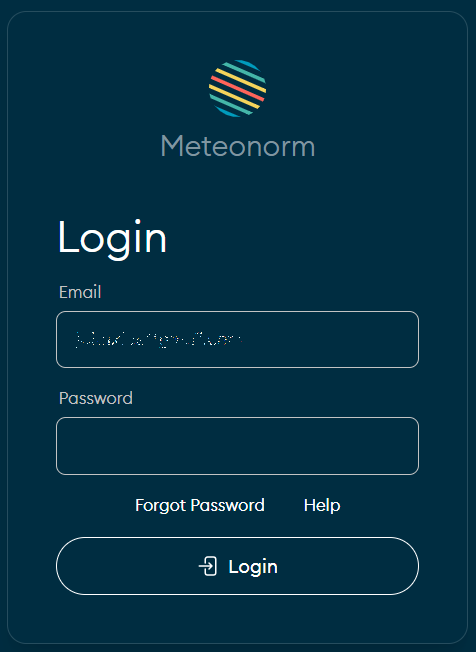
Log into web application: https://app.meteonorm.com/login
Last modified on